

Set up your email domain
To send emails from SNDQ using your own domain (for example info@yourdomain.be), follow these 3 steps. Two short videos are included.
Step 1 — Add your domain in SNDQ
Watch the video and follow the steps to enter your domain name (for example yourdomain.be).
Step 2 — DNS configuration (your side)
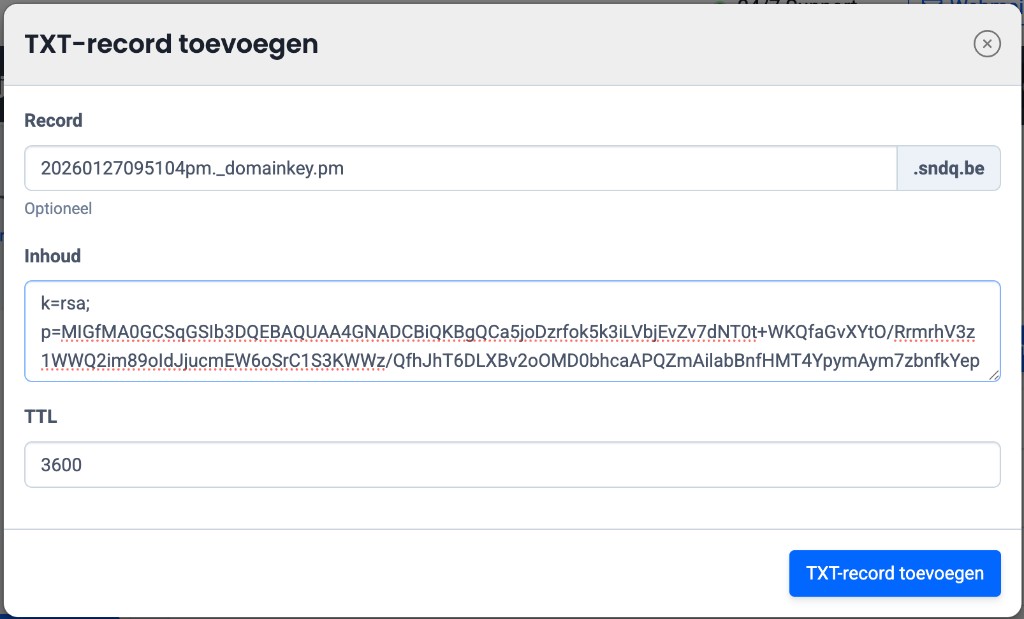
After adding the domain, SNDQ will automatically show the required details (TXT value and host). These must be entered in your DNS provider or by your email administrator — not in SNDQ itself.
Step 3 — Create the email address
Once the domain is active (green label), you can create an email address. This will be the sender address for all emails sent from SNDQ.
Next step
Once the email address is created, you can configure a signature per email address: