

Apply a credit note to an invoice
When a supplier issues a credit note, you can link it to the original invoice in SNDQ. This reduces the outstanding amount so you only pay the corrected total.
Open the invoice
- Go to Financial → Invoices
- Open the invoice you want to adjust
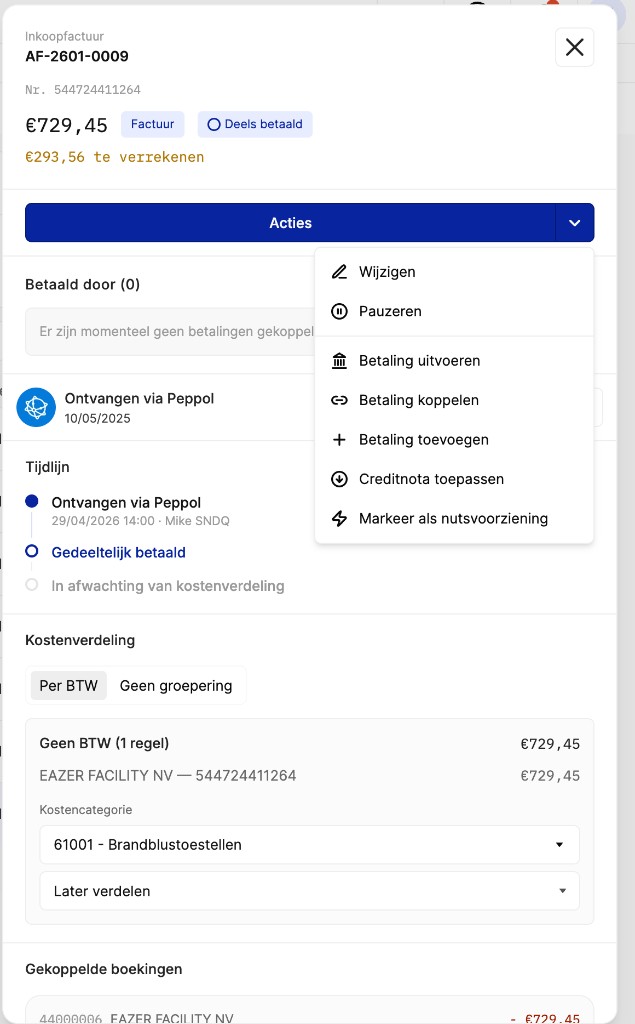
Apply the credit note
- Click Actions
- Select Apply credit note
- In the dialog, search for and select the matching credit note
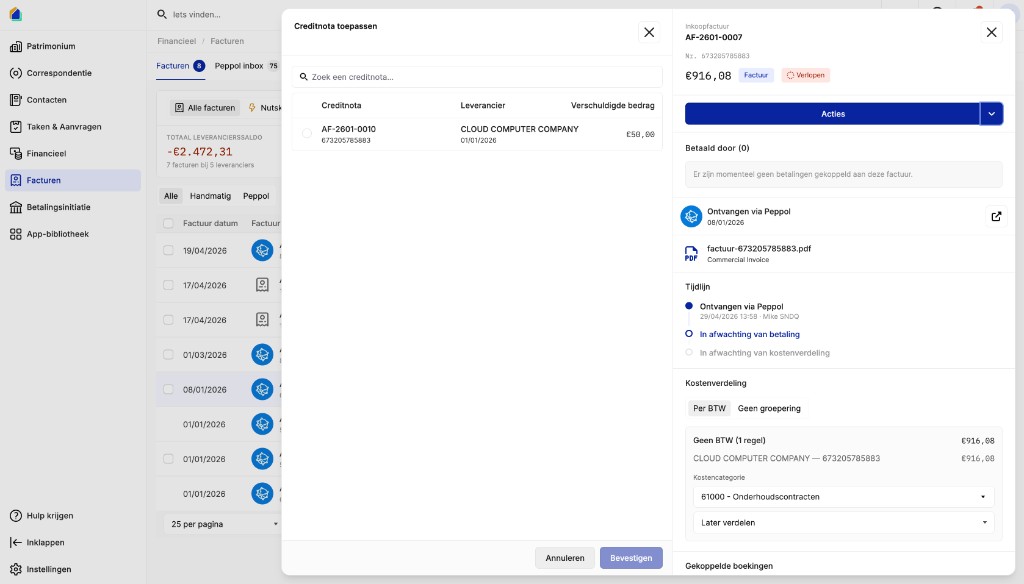
- Click Confirm
The invoice amount is now reduced by the credit note. When you make the payment, you only need to pay the remaining balance.