

Create a payment request manually
Create a payment request by hand when you need to charge or request an amount that is not generated automatically — for example an extra cost, a one-off rent charge, a deposit, or a refund.
Where to find it
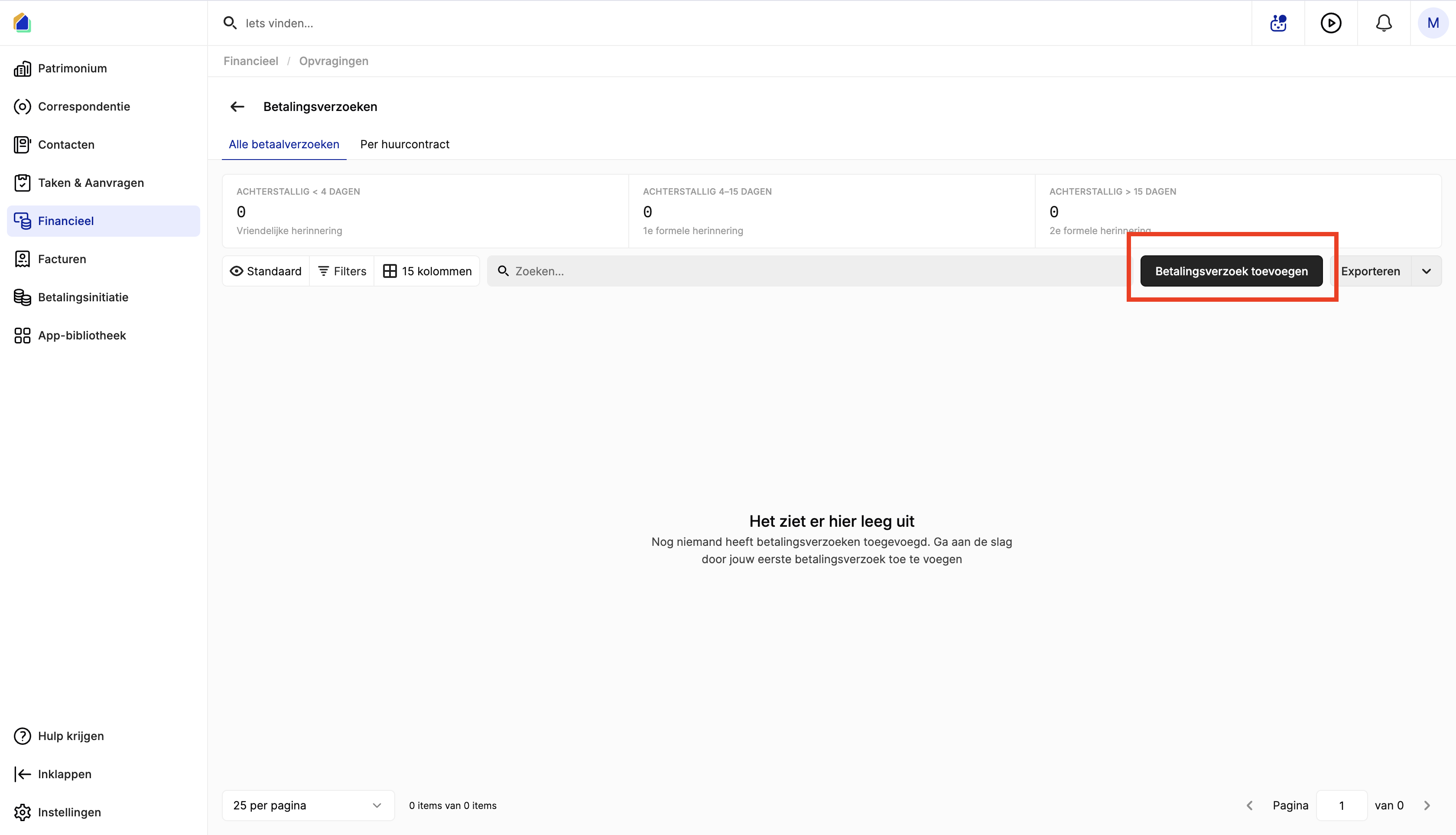
- Go to Financial > Payment requests.
- Click Add payment request.
Select the lease and fill in the form
The form opens with a lease selector at the top. Use Change to switch to a different lease if needed.
| Field | Description | Required |
|---|---|---|
| Cost name | Clear name for this payment request | Yes |
| Linked | Unit/property linked to the cost | Yes |
| Type | Category of the payment request (see type table below) | Yes |
| Cost date | Date of the cost | Yes |
| Due date | When payment is due | Yes |
| Payer | Who should pay — Tenant or Owner | Yes |
| Amount | Add at least one amount via Add amount (set VAT if applicable) | Yes |
| Payment to | Bank account where you receive the money | Yes |
WARNING
Choose the correct Type and Payment to. These determine how the payment request is classified in reports and how it is treated in owner settlements.
Save the payment request
Click Save cost to create the payment request.
Payment request types
The Type controls how SNDQ classifies and processes the payment request. Always pick the type that matches the real reason for the charge.
| Type | When to use |
|---|---|
| Rent | Monthly or contractual rent |
| Provision | Variable cost provision |
| Flat rate for costs | Fixed flat-rate charges |
| Advance payment for costs | Advance on shared or common costs |
| Lease deposit | Rental deposit or guarantee |
| Refund | Money to pay back |
| Late fee | Penalty for late payment |
| Interest on arrears | Interest on overdue amounts |
| Rental damage | Damage charged to the tenant |
Good to know
- The type affects matching, settlements, and owner payouts. A wrong type leads to incorrect reporting and incorrect treatment in owner settlements.
- You can add multiple amount lines to a single payment request (e.g. rent + costs).
- The Message field lets you add a structured remittance reference or free text note.
Related articles
Need help?
Contact our team at info@sndq.be or use the Get Help option in the SNDQ application.